Are you comfortable using your smartphone? Would you like a little bit of help in the effort to stay on task each day and build helpful routines?
Well, a friend, who is a constant source of inspiration, introduced me to the HomeRoutines app. Now I’d like to share it with you.
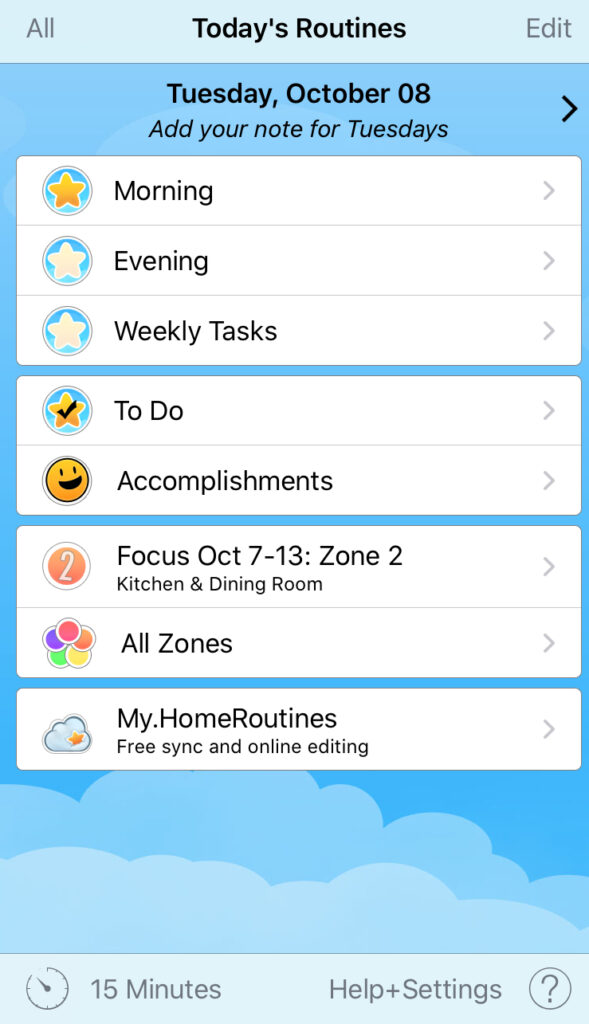
This app puts all your routines in one place, lists each task in the routine, keeps track of what is done and not done, and even has a timer at the bottom of the screen for a little extra motivation.
If you use zones for cleaning, that’s an option also. You can set tasks daily, weekly, or bi-weekly.
If you want to see all your tasks left for the day, you can see those in the To Do screen. And for a little pat on the back, check out the Accomplishments section.
You can build a routine for different times of day or different rooms. When you tap into that routine, all the individual tasks are listed.
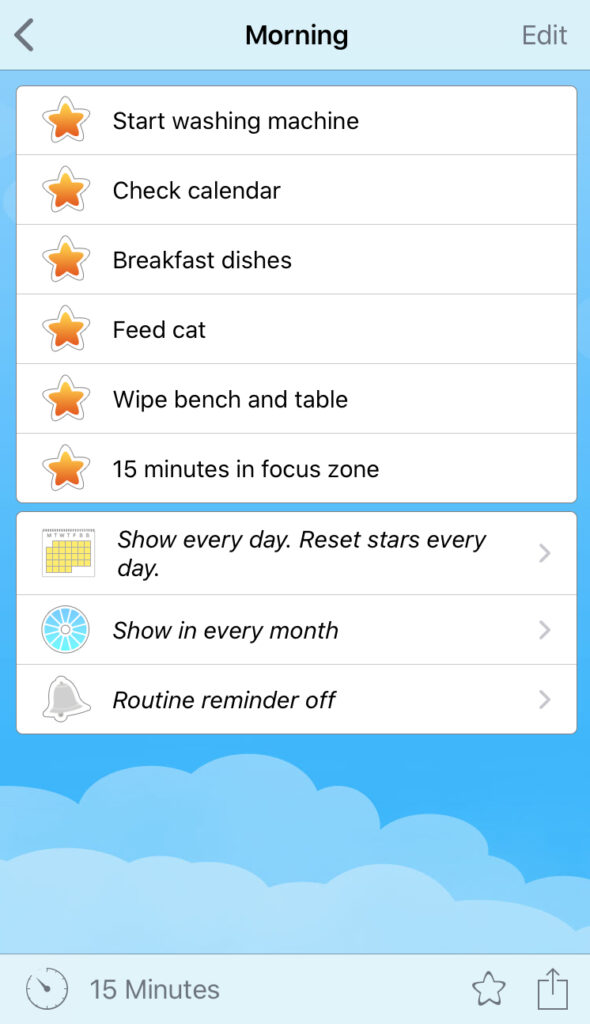
Once you have built your routine, you will be able to just open the app in the morning and work your way down the list. If you need to add something new to your habit, just add it to the routine. You’ll run into the reminder every day, which will help you actually do it like you want to.
The timer is useful for certain tasks to help with focus. You can also use it to keep moving, racing yourself to see how many tasks you can get done in that time.
Enjoy! I’d love to hear feedback from anyone who tries this.

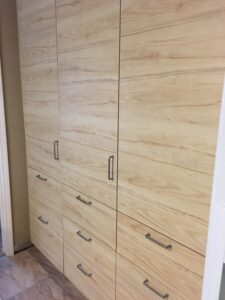
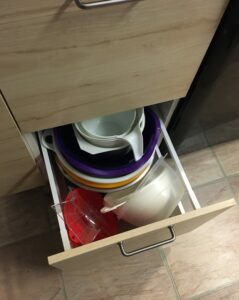 Install drawers instead of lower cabinets. This has been a game-changer in my kitchen, and I have no interest in going back.
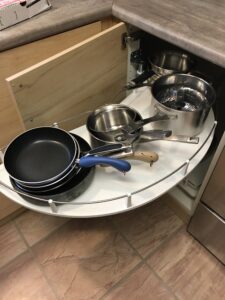 Kidney cabinet inserts for the win. This might be my favorite cabinet now. Before the pole and platforms, it was mostly inaccessible. Because of that, I would grab from the front stack on the the top shelf and the bottom shelf, while ignoring everything else in the cabinet — all the way to the back.