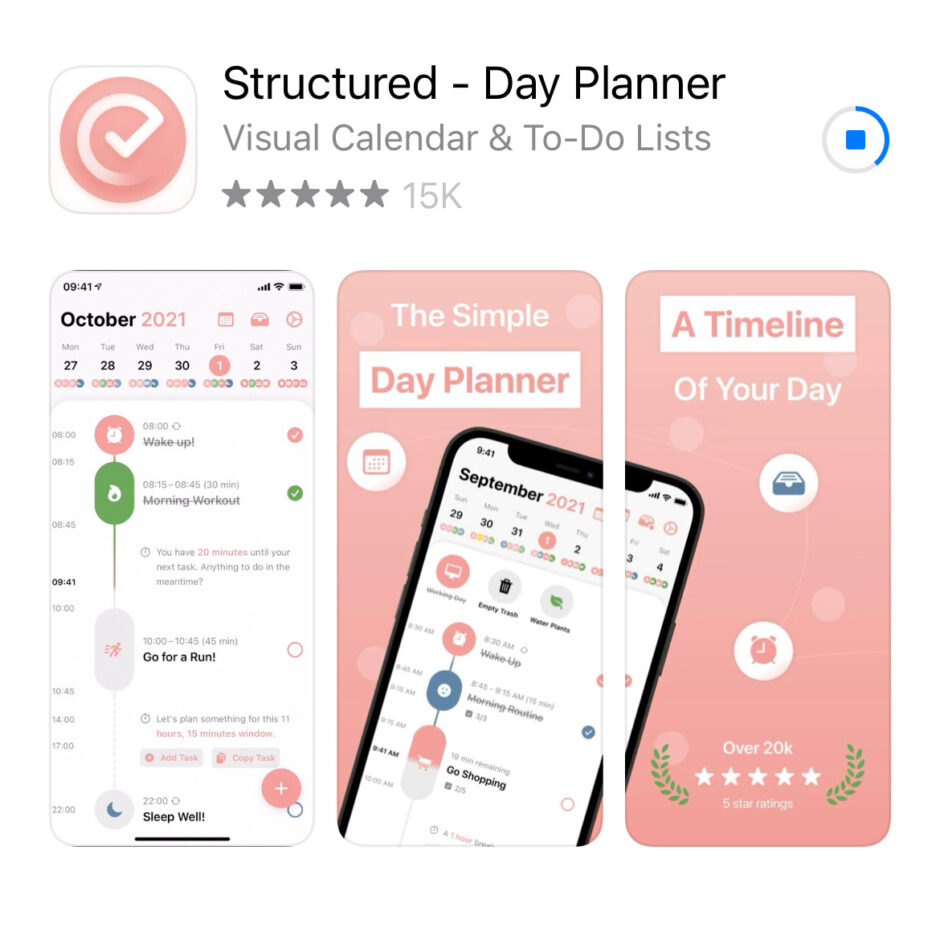
Are you interested in a tool that will help you build and/or maintain your daily routine? Do you use your smartphone in the fight for good habits? If so, the Structured app may be a good idea for you.
Structured is a calendar app that allows you to plan out both tasks and commitments so that you can see your day at a glance. The free version gives you the basic calendar format, but you can upgrade to Pro (for $4.99 in the App Store) to get notifications and sync other calendars.
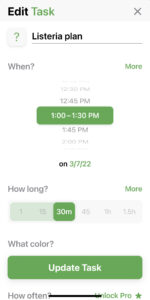 When you create an entry, you have options to set icons (which allows you to visually tag what you are doing, i.e., project, meeting, shopping, etc.), color code, make it a repeating entry, and add any notes you may need.
One beauty of this is how you can build your morning routine and evening routine into your daily schedule — then set reminders to start each piece of the routine, which will keep you moving on through. You can create a 15-minute block for one or three or however many tasks you need in that space. You can make a notification to alert you that it is time to start what you have determined to do.
There is also an in-box where you can keep “to-do” tasks that do not have an assigned time yet, along with how long you think they will take. When you see a time block free, you are able to go to the in-box, see which item(s) will fit best, and quickly add it to your schedule.
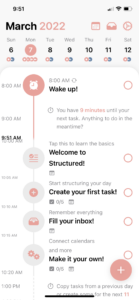 The day view will alert you to what is coming and any free time you may have available. Sometimes it is nice to know how much time you have until the next appointment! You have, at a glance, the path for your day with any available margin.
If a paper planner is not for you, or if Google calendars have not quite done it for you, this may be an option that will do the trick for your time management. If you do use it, or have used it, please comment below with what has worked well for you. Thanks!
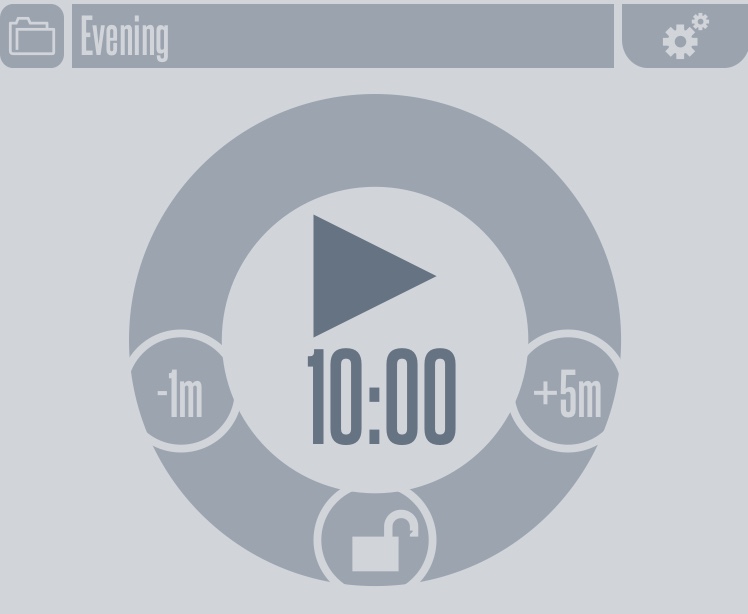
 The tool lets you have routines pre-set and ready to hit Play on the timer. Each routine has its own folder, so you can create one for first thing in the morning, one for after lunch, one for major house cleaning, one for office work, etc.
 However, life isn’t always ideal. There is a pause button, if you need to take a break for an urgent phone call or to bind up a wound, so flexibility is built in for you. If you are running ahead of schedule, you can move on to the next task with just one touch. If you have a tight schedule one day, you can shorten the pre-set time with one touch also.
 You are able to change settings for each routine, giving you even more control over your plan. If you are running multiple loads of laundry, you can set an auto-loop to remind you to switch loads every hour. If you are working at a desk, you can set the loop to remind you to get up and walk around every hour also.
 How exactly might you do this? Well, let’s talk through an example. The image on the left is an illustration of one possible morning routine. If you would like to start each day with devotions first, you can put that at the top of the list (pink box in the example). As soon as you wake up and get settled in your spot, you pull up the Morning set in the app and hit the Play symbol. You can forget about watching the clock now and enjoy the focused time with God and in the Word.